
Components
Components are the 1:1 mapping to your cloud infrastructure. System Initiative components are instances of Schemas. You can name components within System Initiative, and those names will not affect your cloud infrastructure.
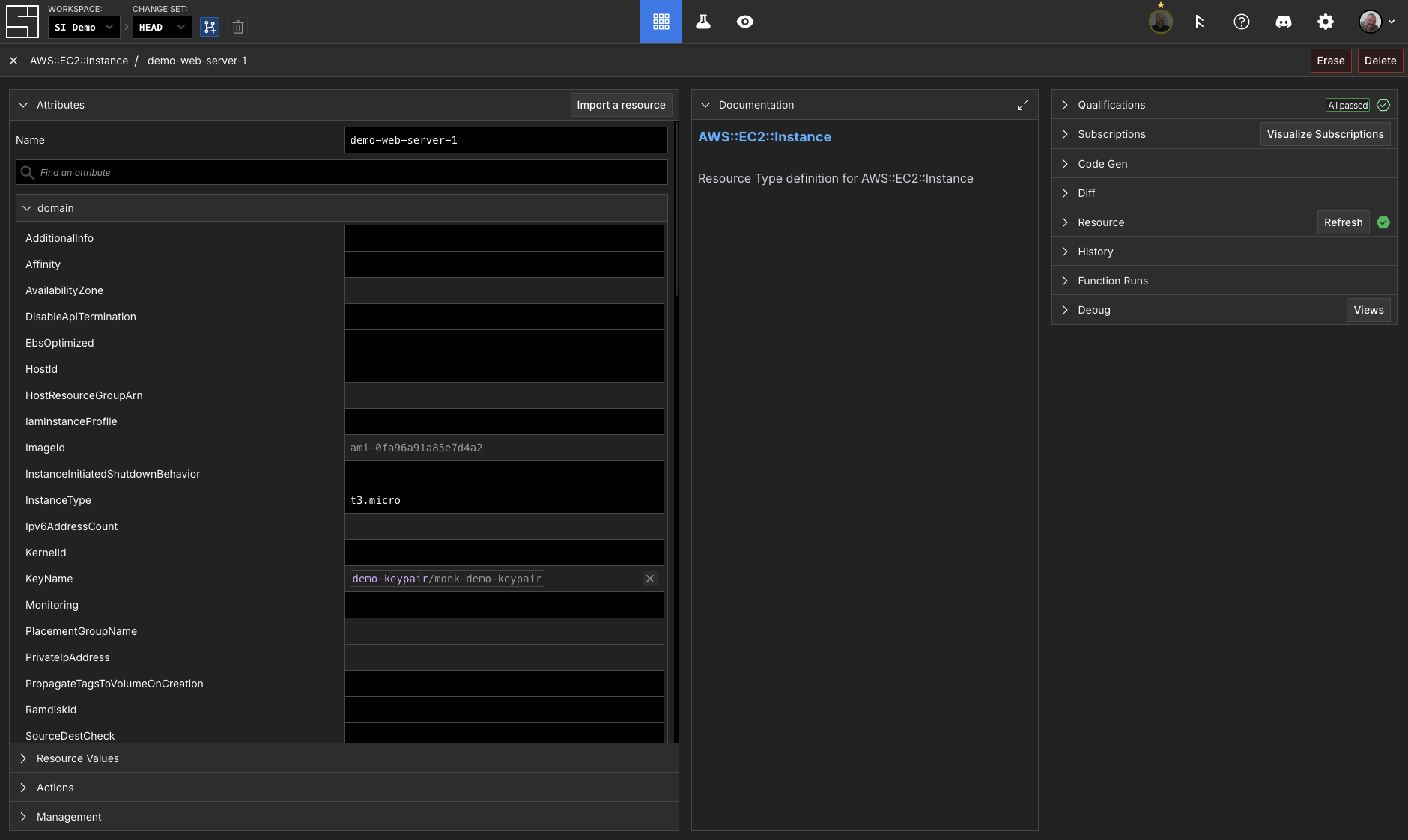
Components have attribute data and resource data. Attribute data represents all the configurations your cloud infrastructure supports. Resource data represents the state of your cloud infrastructure.
Attributes
Components have attributes that can be assigned values. Attributes are typed (boolean, number, string) and defined by their schema. Each change to a component's attribute values is tracked in the audit log.
Attributes are organized into hierarchical trees. For example, the AWS::EC2::Subnet component has an attribute named VpcId. Its location in the attribute tree, what we call the path, is /domain/VpcId.
System Initiative supports maps, objects, and arrays in the attribute tree. Map is an arbitrary key-value shape where the user can define the keys. Object is a specific shape where the keys are defined by the schema. Array is a list that supports any of the aforementioned types.
Subscriptions
Subscriptions are how components depend on one another. A subscription moves the value from Component A's specified attribute path to another attribute path on Component B. The paths are not required to match. When the value in Component A is changed, that change will be reflected in Component B.
Let's use the VPC example in AWS again. When creating a Subnet component that needs a VpcId, you want that component to subscribe to the Vpc component to obtain the VpcId the subnet needs. The VpcId value will flow from the Vpc component into the Subnet component whenever it changes.
Resources
A resource in System Initiative is the data that describes the specific instance within the cloud provider. The cloud provider controls the shape of the resource data.
Most components can have a resource. When you create a component, it will initially not have a resource. If you import a component, it will have a resource. A Component with a resource represents cloud infrastructure in the real world. Actions update resources within System Initiative and apply your changes within SI to your cloud infrastructure.
INFO
Certain Components, like "AWS Region," do not have a resource, as they do not map to an instance of cloud infrastructure; rather, it is a reference for pre-existing cloud configuration data.
Interacting With Components
Creating a Component
To create a Component with the CLI:
$ cat createcomponent.json
{
  "schemaName": "AWS::EC2::Instance",
  "attributes": {
    "/si/name": "ANodeEC2Instance",
    "/domain/extra/Region": "us-east-1"
  }
}

$ si component create -c 01KC2F3RWYRYQDZ3BRNG69FC28 createcomponent.json
✨ info    si              Loading component data from "createcomponent.json"
✨ info    si              Creating component: "AWS::EC2::Instance" "ANodeEC2Instance"
Component ID: 01KC4CNSWFCSJDY3M30BMYRTMP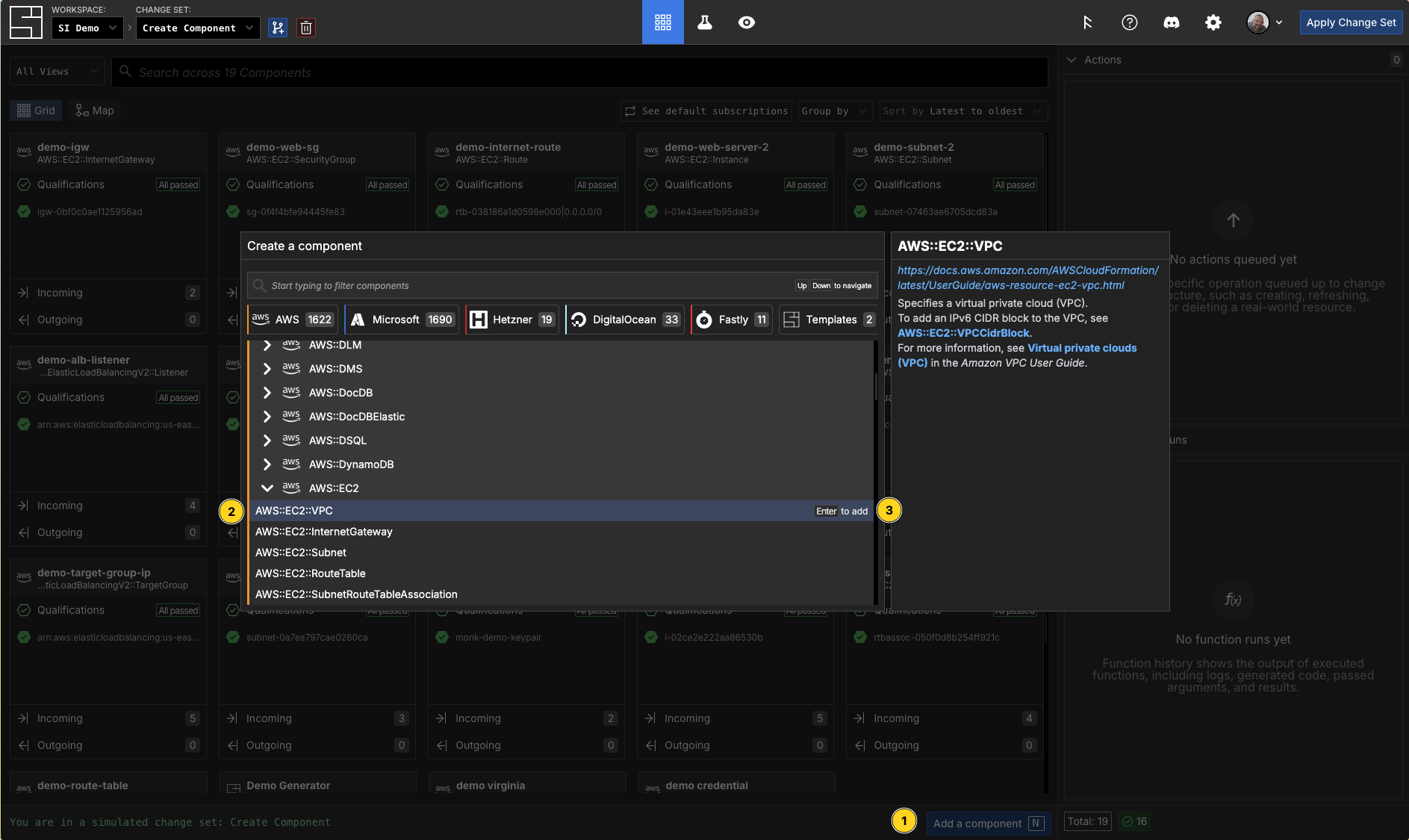
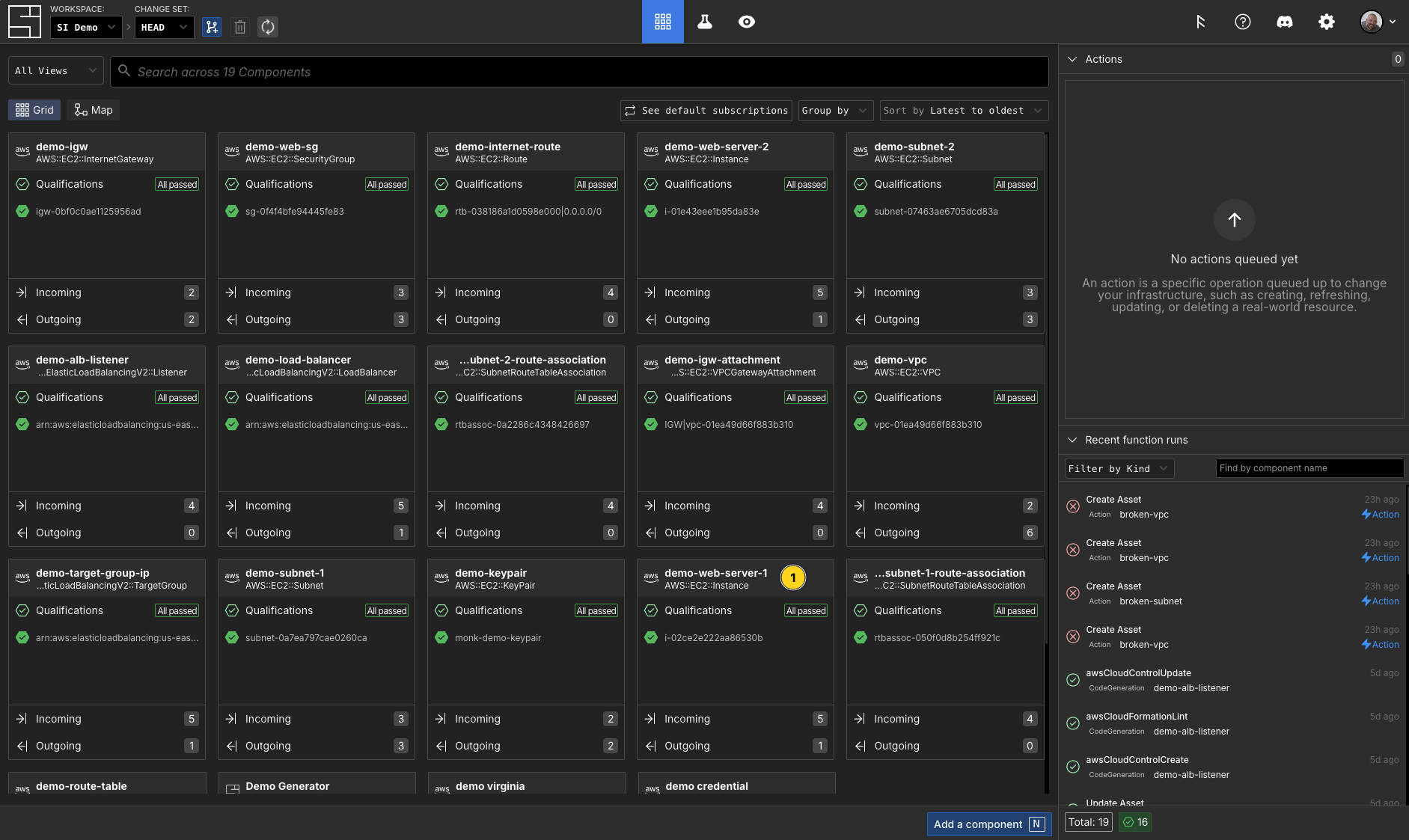
Getting a Component
$ si component get -c 01KC2F3RWYRYQDZ3BRNG69FC28 MyNodeEC2Instance -o json
{
  "componentId": "01KBNCGCKKKHSAE23R1E2E8TMA",
  "schemaId": "01JK0QZHF0TXMJFVE1VK2175EC",
  "schemaName": "AWS::EC2::Instance",
  "resourceId": "",
  "toDelete": false,
  "canBeUpgraded": false,
  "qualified": true,
  "attributes": {
    "/si/name": "MyNodeEC2Instance",
    "/si/type": "component"
  },
  "qualifications": [],
  "actions": []
}
Updating an Attribute
The component update command accepts a filename as its only parameter. That file contains both the data to identify and the values you want the component data updated to. I added the region attribute and set it to us-east-1 below.
TIP
The component get command with the -o json is a helpful way to get the state of the component data in an easy-to-edit format.
$ cat mycomponent.json
{
  "componentId": "01KBNCGCKKKHSAE23R1E2E8TMA",
  "schemaId": "01JK0QZHF0TXMJFVE1VK2175EC",
  "schemaName": "AWS::EC2::Instance",
  "resourceId": "",
  "toDelete": false,
  "canBeUpgraded": false,
  "qualified": true,
  "attributes": {
    "/si/name": "MyNodeEC2Instance",
    "/si/type": "component",
    "/domain/extra/Region": "us-east-1"
  },
  "qualifications": [],
  "actions": []
}

$ si component update -c 01KC2F3RWYRYQDZ3BRNG69FC28 mycomponent.json
✨ info    si              Loading component data from "mycomponent.json"
✨ info    si              Resolving change set: "01KC2F3RWYRYQDZ3BRNG69FC28"
✨ info    si              Fetching current component: "01KBNCGCKKKHSAE23R1E2E8TMA"
✨ info    si              Schema: "AWS::EC2::Instance" ("01JK0QZHF0TXMJFVE1VK2175EC")
✨ info    si              Component: "MyNodeEC2Instance" ("01KBNCGCKKKHSAE23R1E2E8TMA")
✨ info    si              Attributes to set or update: { "/domain/extra/Region": "us-east-1" }
✨ info    si              Updating component "01KBNCGCKKKHSAE23R1E2E8TMA"
✨ info    si              Component "01KBNCGCKKKHSAE23R1E2E8TMA" updated successfully
✨ info    si              Component "MyNodeEC2Instance" updated successfully in change set "01KC2F3RWYRYQDZ3BRNG69FC28"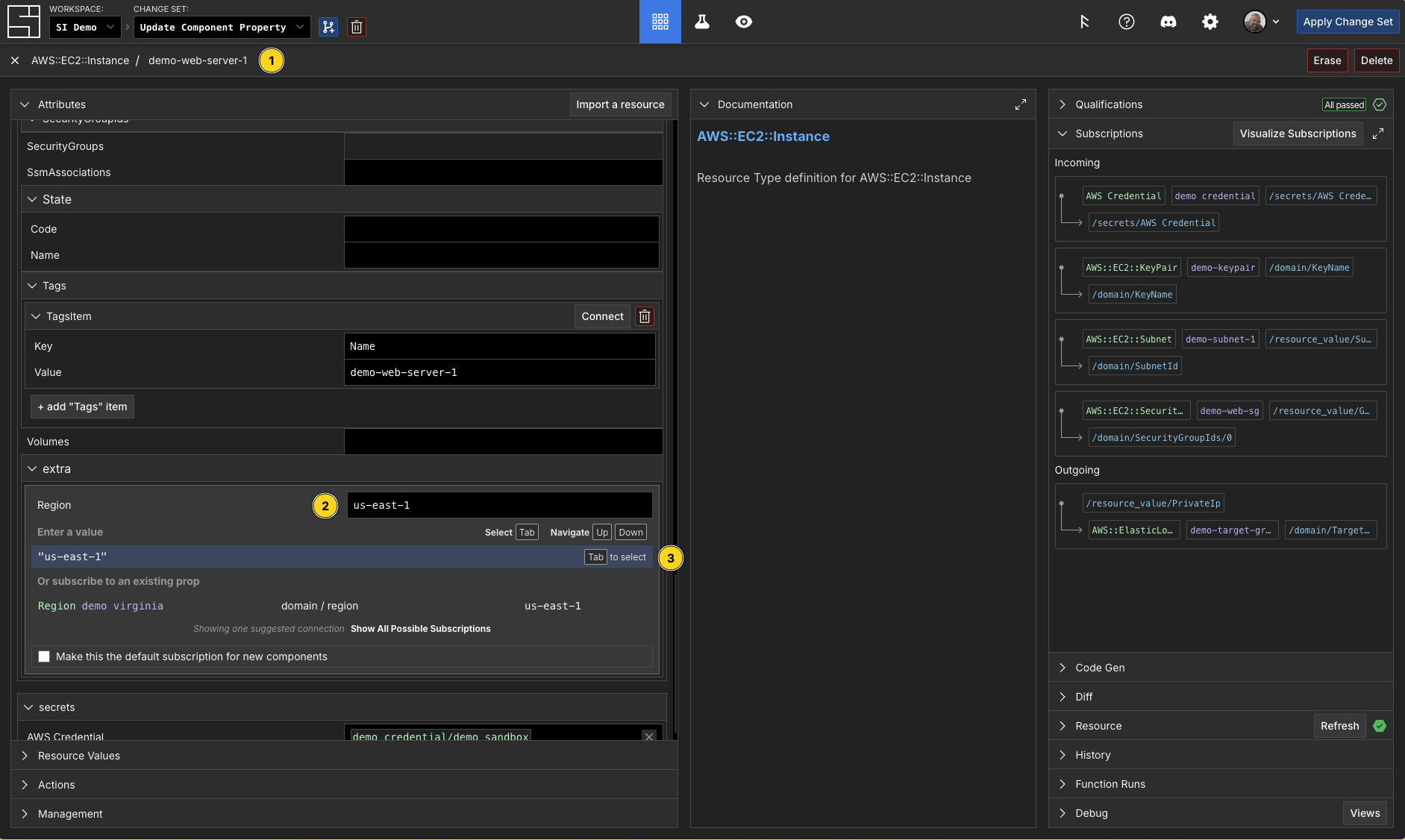
Creating Subscriptions
The component update command accepts a filename as its only parameter. That file contains both the data to identify and the values you want the component data updated to. I added the region attribute and configured a subscription to the value of the region component.
TIP
The component get command with the -o json is a helpful way to get the state of the component data in an easy-to-edit format.
$ cat mycomponent.json
{
  "componentId": "01KBNCGCKKKHSAE23R1E2E8TMA",
  "schemaId": "01JK0QZHF0TXMJFVE1VK2175EC",
  "schemaName": "AWS::EC2::Instance",
  "resourceId": "",
  "toDelete": false,
  "canBeUpgraded": false,
  "qualified": true,
  "attributes": {
    "/si/name": "MyNodeEC2Instance",
    "/si/type": "component",
    "/domain/extra/Region": {
      "$source": {
        "component": "01KBN59ZHQPVCXD44J1YT77S4E",
        "path": "/domain/region"
      }
    }},
  "qualifications": [],
  "actions": []
}

$ si component update -c 01KC2F3RWYRYQDZ3BRNG69FC28 mycomponent.json
✨ info    si              Loading component data from "mycomponent.json"
✨ info    si              Resolving change set: "01KC2F3RWYRYQDZ3BRNG69FC28"
✨ info    si              Fetching current component: "01KBNCGCKKKHSAE23R1E2E8TMA"
✨ info    si              Schema: "AWS::EC2::Instance" ("01JK0QZHF0TXMJFVE1VK2175EC")
✨ info    si              Component: "MyNodeEC2Instance" ("01KBNCGCKKKHSAE23R1E2E8TMA")
✨ info    si              Subscriptions to update: { "/domain/extra/Region":
                              { component: "01KBN59ZHQPVCXD44J1YT77S4E", path: "/domain/region", func: undefined } }
✨ info    si              Updating component "01KBNCGCKKKHSAE23R1E2E8TMA"
✨ info    si              Component "01KBNCGCKKKHSAE23R1E2E8TMA" updated successfully
✨ info    si              Component "MyNodeEC2Instance" updated successfully in change set "01KC2F3RWYRYQDZ3BRNG69FC28"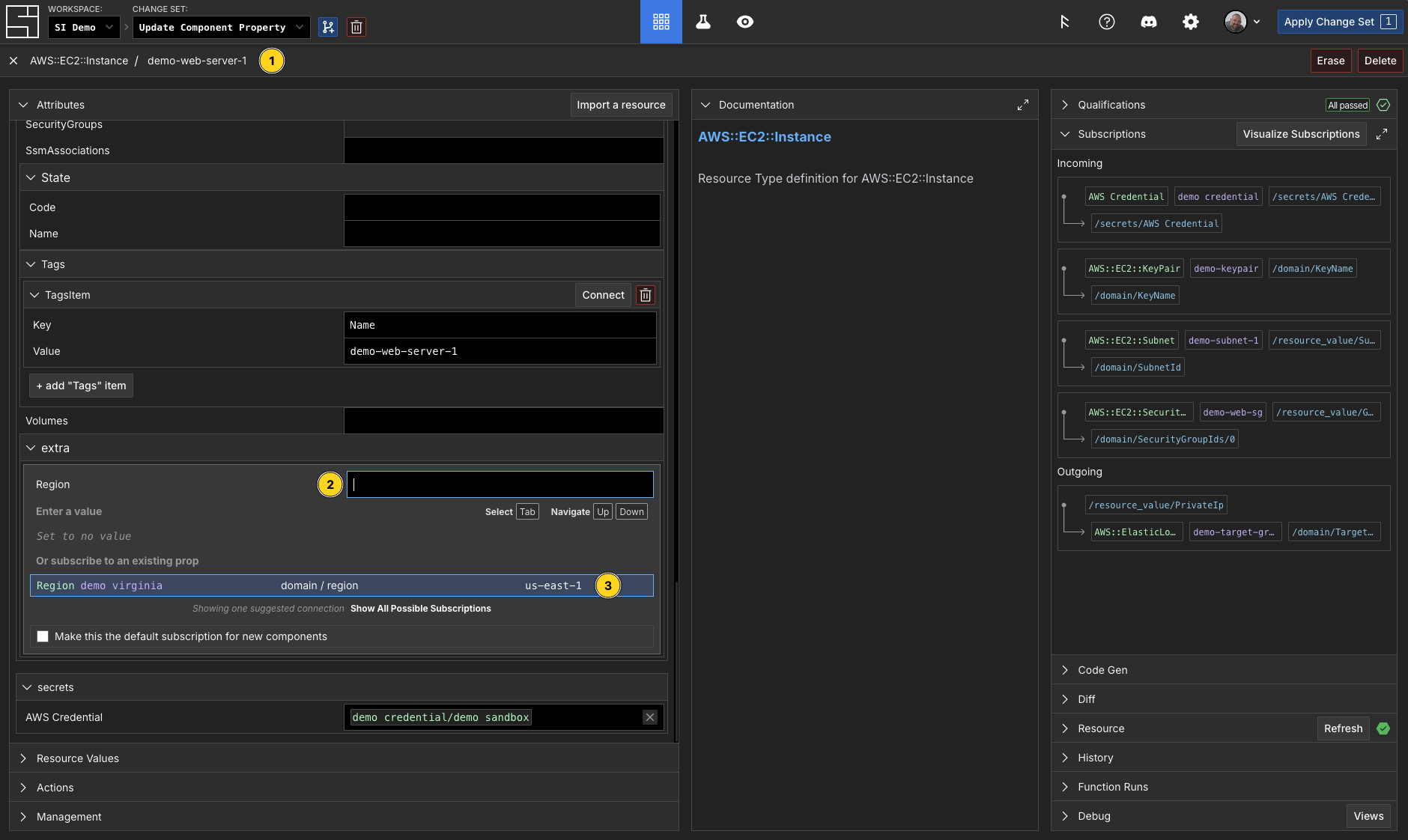
Deleting a Component
TIP
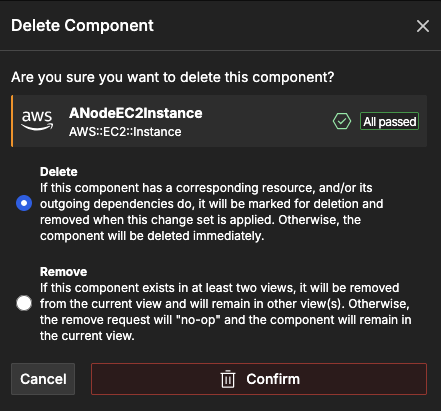
To remove a piece of cloud infrastructure, you will delete its corresponding component. A deleted component will remain in your Change Set until its corresponding resource has been removed by its delete action.
To delete a Component with the CLI:
$ si component delete -c 01KC22VWQQSFWN203C83Q42EVZ ANodeEC2Instance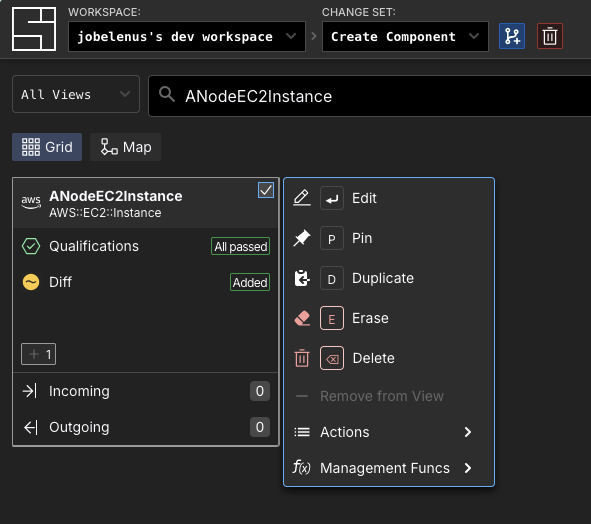
Erasing a Component
TIP
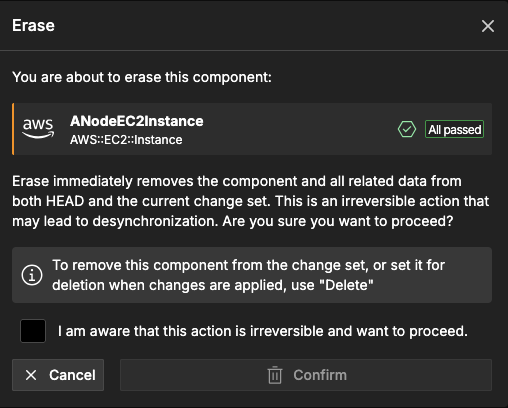
Erasing is not the same as deleting. When you no longer want to manage a piece of cloud infrastructure in System Initiative, you will erase its corresponding component. The component will no longer be present in your Change Set, and the cloud infrastructure will not be modified.
To erase a Component with the CLI:
$ si component erase -c 01KC22VWQQSFWN203C83Q42EVZ ANodeEC2Instance