
Change Sets
Change Sets are the change control and simulation mechanism within System Initiative. They allow you to safely propose changes to your model, preview those changes, and then apply them to the real world when you are ready. As change sets are applied to your workspace, your open change sets are automatically updated to reflect those changes.
TIP
A change set is like an auto-rebasing git branch that can never have conflicts. Unlike tracking state in Git, they are tailor-made for the dynamic, fluid nature of how infrastructure changes, regardless of how those changes were made.
The HEAD Change Set
The HEAD Change Set represents the current state of your resources in the real world. All your components and resources, along with any actions that are currently enqueued, are tracked on the HEAD Change Set.
INFO
Think of the HEAD Change Set as your view of everything that is currently happening with your workspace. If you want to know "what is happening right now?", looking at HEAD is the way to get that answer.
Tracking & Auditing Changes
When you create a Change Set, you get an identical clone of HEAD at that time. As you make changes to component attributes, enqueue actions, develop schemas, or write functions, the Change Set tracks your modifications as an operational transform relative to HEAD. It is also tracked in an audit log that records who made the change, when they made it, what changed, and any downstream side effects that happened as a result (for example, changing an attribute on one component might cause attributes on other components to change based on subscriptions - these are also tracked.)
TIP
The ability to track the downstream effects of a particular update is a critical difference between Change Sets and Git. By having the underlying data model understand not only the specific change you made, but the downstream effects, System Initiative provides a comprehensive view of a change set's impact. It also provides an audit log that can attest to the provenance of every granular change.
How changes are applied to HEAD
Each change is an Operational Transfomation to our core data-model. When a Change Set is applied to HEAD, the set of Operational Transforms are applied to the underlying graph data model. Each change is idempotent, convergent, and ordered in time - which ensures that as multiple changes are applied, they will never conflict.
Creating a Change Set
To create a Change Set with the CLI:
$ si change-set create deploy-production
✨ info    si              Change set created: { id: "01KBZTVMFXWAVWFPKZ889YP43X", name: "deploy-application", status: "Open" }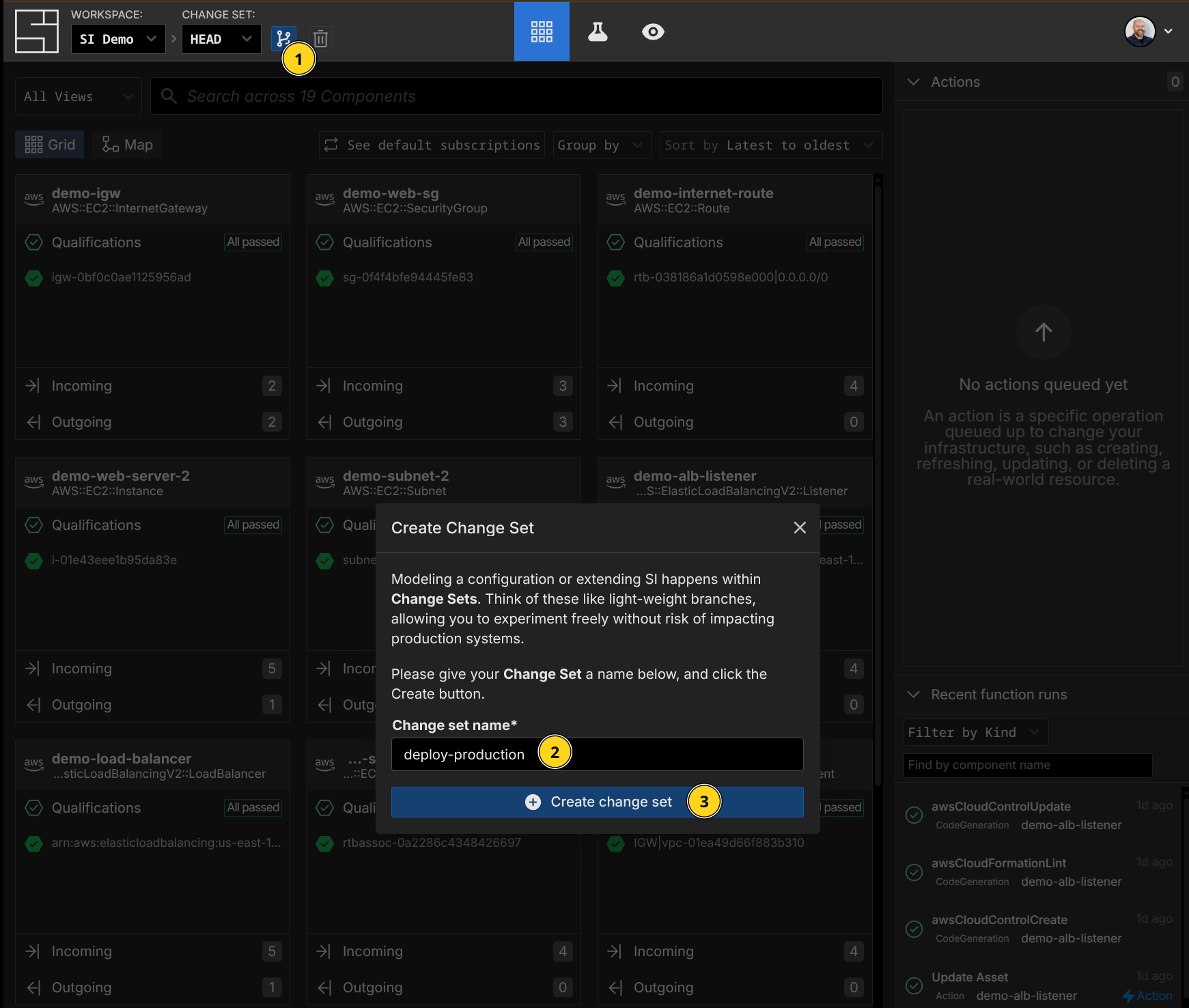
Listing Change Sets
To list available Change Sets:
$ si change-set list
✨ info    si              Listing change sets...
✨ info    si              Found 2 change sets
✨ info    si              Change Set 1/2: "HEAD"
✨ info    si                ID: "01K1X834T8AMQN8E4BQ69VBDMT"
✨ info    si                Status: "Open"
✨ info    si                HEAD: true
✨ info    si              Change Set 2/2: "deploy-application"
✨ info    si                ID: "01KBZTVMFXWAVWFPKZ889YP43X"
✨ info si Status: "Open"$ si change-set list -o json
{
"count": 2,
"changeSets": [
{
"id": "01K1X834T8AMQN8E4BQ69VBDMT",
"name": "HEAD",
"status": "Open",
"isHead": true
},
{
"id": "01KBZTSCEFVPWJDQ2AHK8F88Q1",
"name": "deploy-application",
"status": "Open",
"isHead": false
}
]
}$ si change-set list -o yaml
count: 2
changeSets:
- id: 01K1X834T8AMQN8E4BQ69VBDMT
name: HEAD
status: Open
isHead: true
- id: 01KBZTSCEFVPWJDQ2AHK8F88Q1
name: deploy-application
status: Open
isHead: false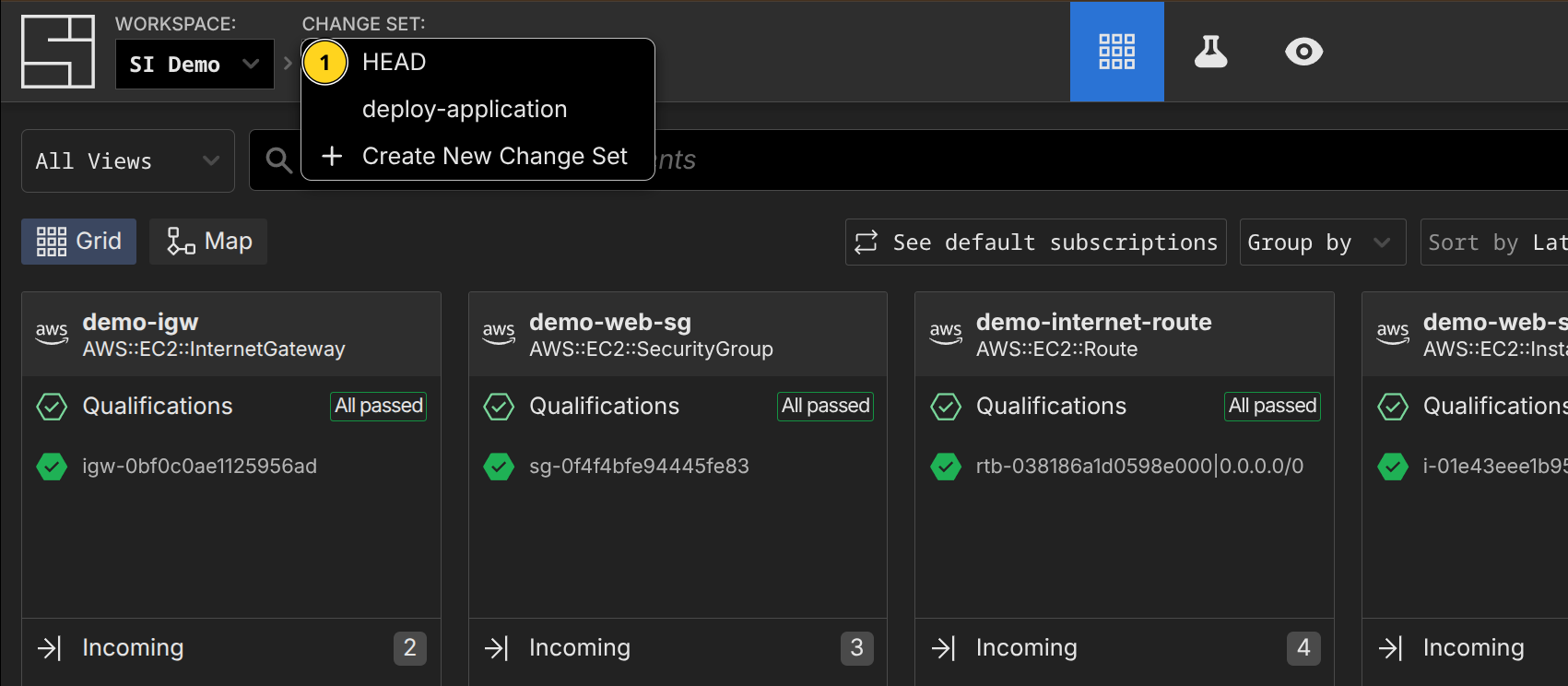
Applying Change Sets
Applies the selected change set to HEAD, updating the attributes of components and executing any enqueued actions.
$ si change-set apply deploy-application
✨ info    si          Gathering change set data...
✨ info    si          Applying change set...
✨ info    si          Change set applied successfully: { id: "01KBZTVMFXWAVWFPKZ889YP43X", name: "deploy-application", status: "Applied" }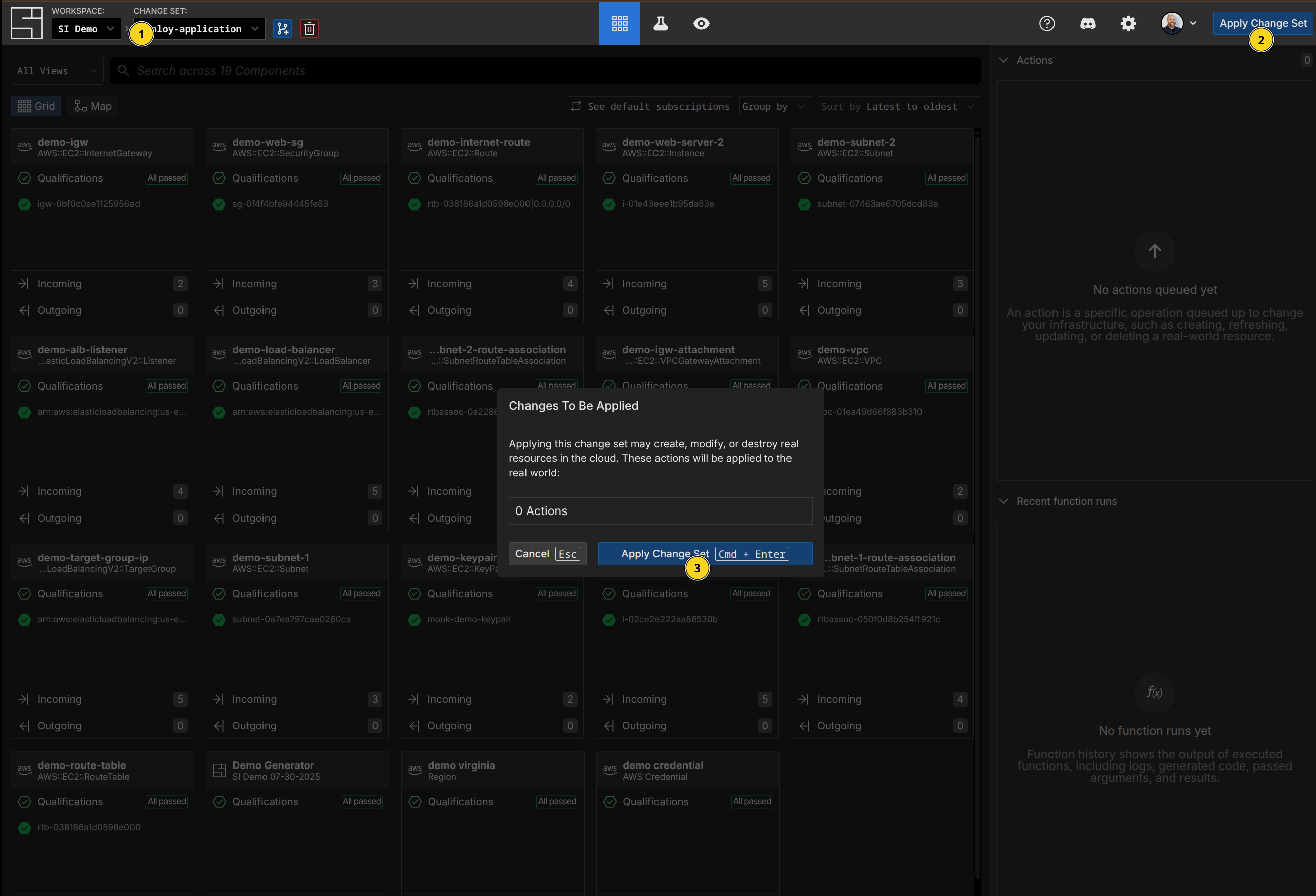
Abandoning Change Sets
WARNING
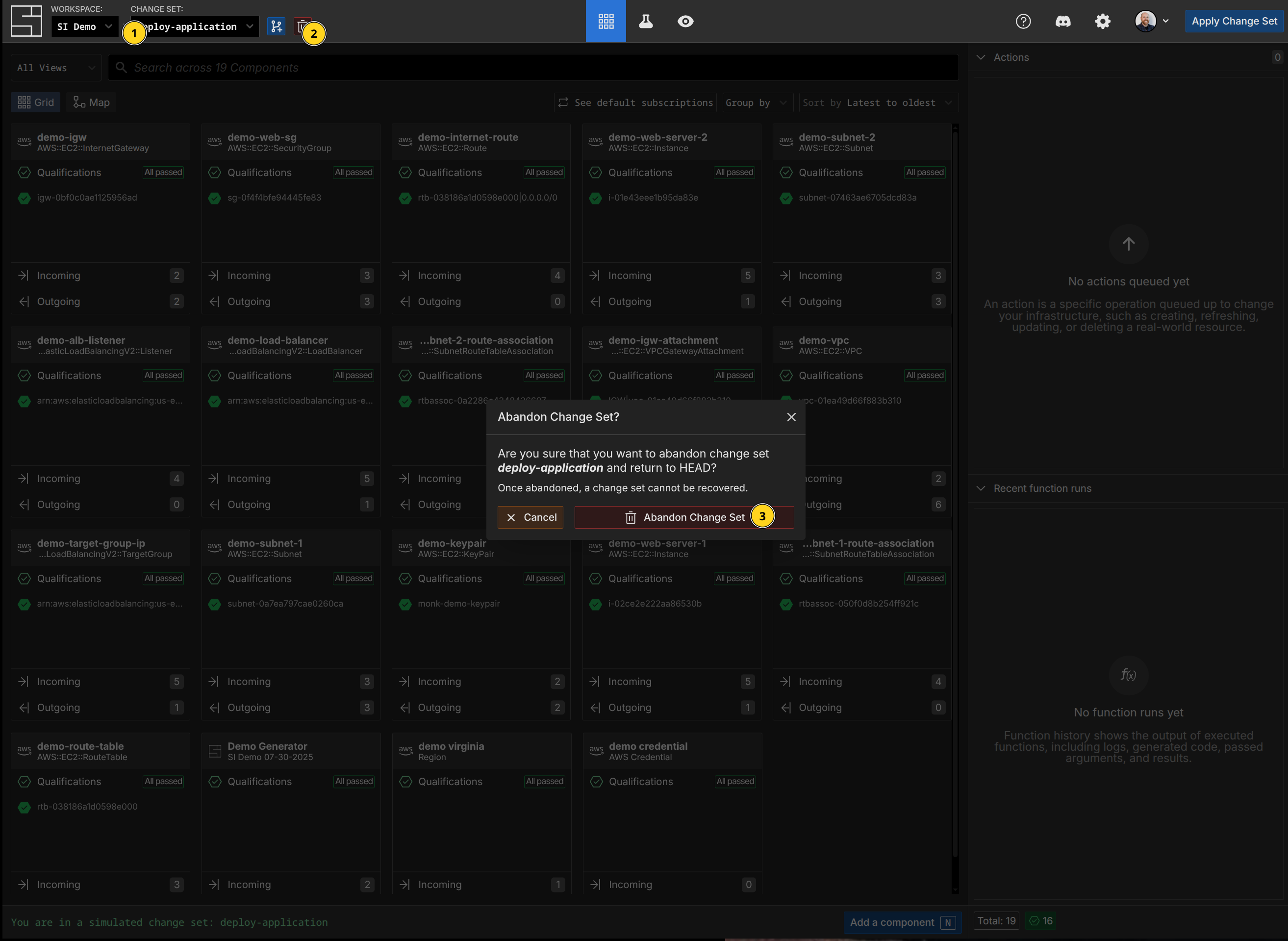
Abandoning a Change Set means it can no longer be used or retrieved. It cannot be reversed.
To abandon a Change Set with the CLI:
$ si change-set abandon deploy-application
✨ info    si              Change set abandoned: { id: "01KC09XCJ5Y5SXESF1EN34GHD3", name: "deploy-application" }